Your inquiry could not be saved. Please try again.
Thank you! We have received your inquiry.

 Jitsi Expert We have 10+ jitsi developer and helped 200+ Client for
installation, rebranding, scaling and custom development
Jitsi Expert We have 10+ jitsi developer and helped 200+ Client for
installation, rebranding, scaling and custom development 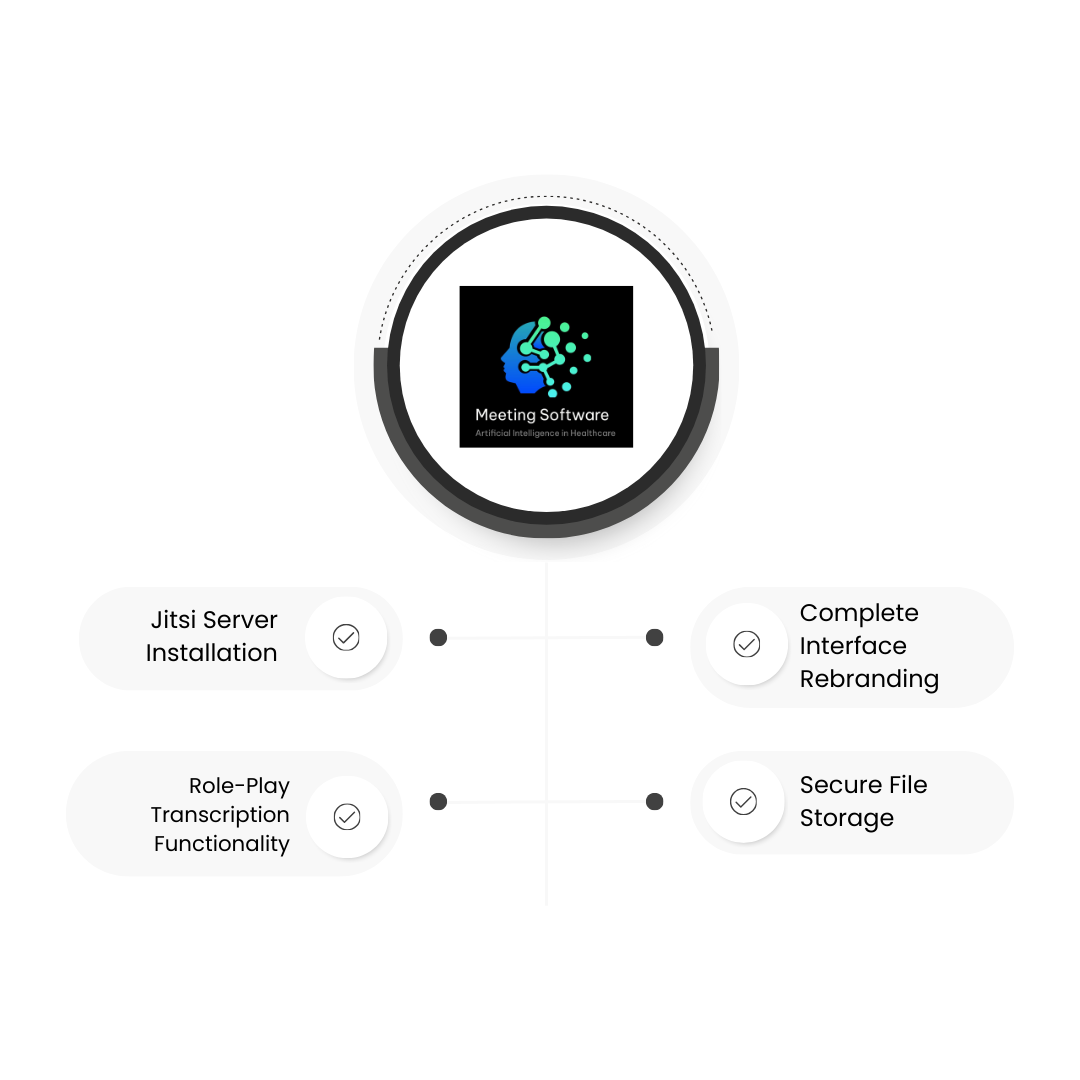
Meeting Software envisioned a communication platform that could not only host seamless virtual meetings but also reflect their unique brand identity and cater to distinct interaction roles within conversations. Their need for an adaptable Jitsi setup — enhanced with transcription features tailored by user role — presented an opportunity to combine technical expertise and customized design on a reliable Digital Ocean infrastructure.
Meeting Software required a fully functional Jitsi installation hosted on a secure cloud server, accompanied by comprehensive rebranding to ensure visual consistency with their corporate identity. Additionally, they needed a flexible transcription system to allow users to toggle subtitles per role-play context and generate transcription files when subtitles were disabled. All recordings and transcriptions had to be securely stored and accessible via protected links, integrating seamlessly with their existing digital infrastructure.
To meet Meeting Software’s requirements, we undertook a methodical strategy combining cloud deployment, UI customization, and robust backend development focused on security and usability:
Jitsi Installation
We deployed the complete Jitsi platform on a dedicated Digital Ocean server. Our team configured the environment for optimal performance and reliability, ensuring smooth streaming and minimal downtime.
Rebranding
The Jitsi interface was customized to mirror Meeting Software’s corporate identity. We tailored the color palette, logos, and UI elements to deliver a seamless branded experience that reinforced their professional image.
Transcription Functionality
We engineered a dynamic subtitle toggle feature, allowing users to turn subtitles on or off based on their specific role conversations. When subtitles are off, transcription files are automatically generated, enhancing meeting accessibility.
Secure File Storage
All transcription and recording files are securely stored on the Digital Ocean server. To maintain high security and efficient access, recording files are hosted on a separate, protected droplet, accessible only via secure links.
By delivering a fully customized Jitsi solution, Meeting Software achieved a scalable communication platform that perfectly reflected their brand while empowering users with role-based conversation controls and transcription capabilities. The secure cloud deployment ensures continuous availability, giving Meeting Software confidence in hosting professional, controlled virtual meetings tailored to their audience’s needs.
From setup to scaling, our Jitsi experts are here to help.